Credits shown automatically
Quotes bind the asset, tool, and exact parameters, and refresh automatically.
Extract products, people, and objects into a transparent PNG, with a white-background export made locally in your browser.
01 / Source
02 / Settings
Quotes bind the asset, tool, and exact parameters, and refresh automatically.
A job completes only after its output is secured in Zareviko storage.
Upload, configure, and manage the result directly in your browser.
Before and after
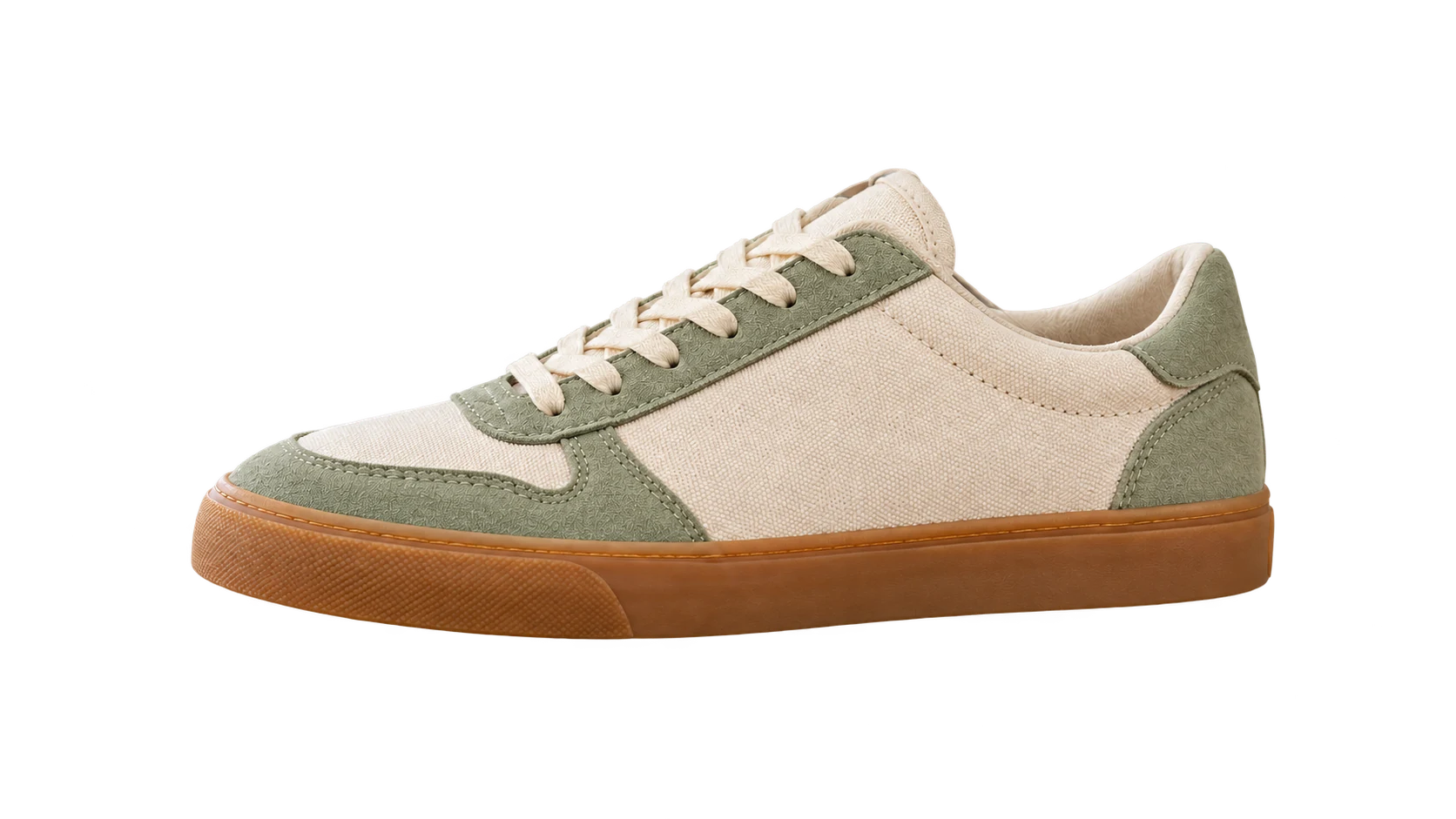
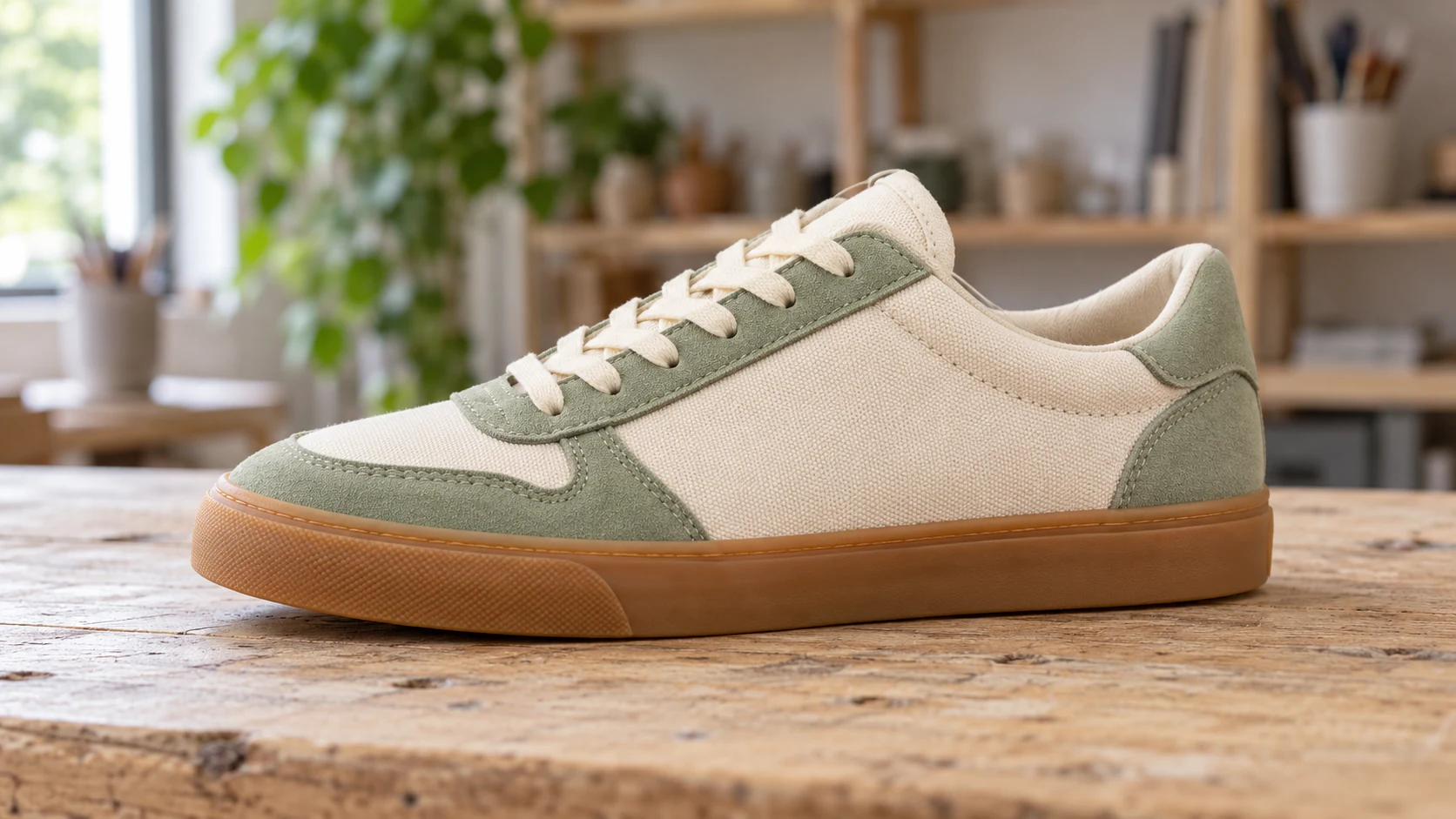
How it works
Turn a product, portrait, or object into a reusable cutout without learning selection tools.
Use a clear product, portrait, or object photo.
The model separates the foreground and returns a transparent PNG master.
Download transparency or create a white-background version locally in your browser.
Why it helps
One transparent master can move from a product listing to an ad, presentation, or profile layout.
The generated master is a transparent PNG ready for compositing.
Create a clean white version without spending another AI generation.
Use product, portrait, and everyday object photography.
Use cases
Create consistent transparent or white catalog assets.
Place a subject into ads, thumbnails, and presentations.
Separate portraits for creator kits and social layouts.
Know the limits
FAQ
Yes. The server result is a transparent PNG.
Your browser draws the transparent result over white using Canvas; it does not trigger another AI job.
You can upload and preview settings without one, but signing in is required to generate. New accounts start with free welcome credits.
Related tools