
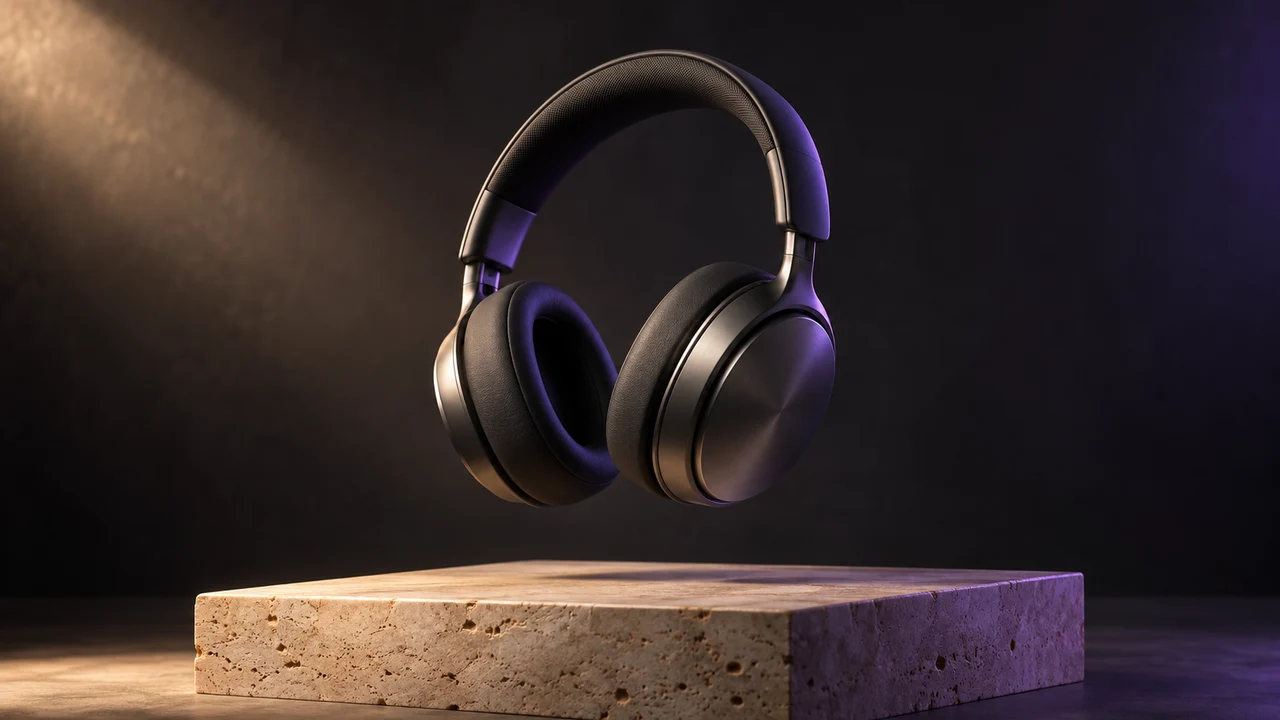
Product Commercial
Sculpted in light
Bring a still image into motion. Add a starting photo and describe the movement, camera and atmosphere you want.
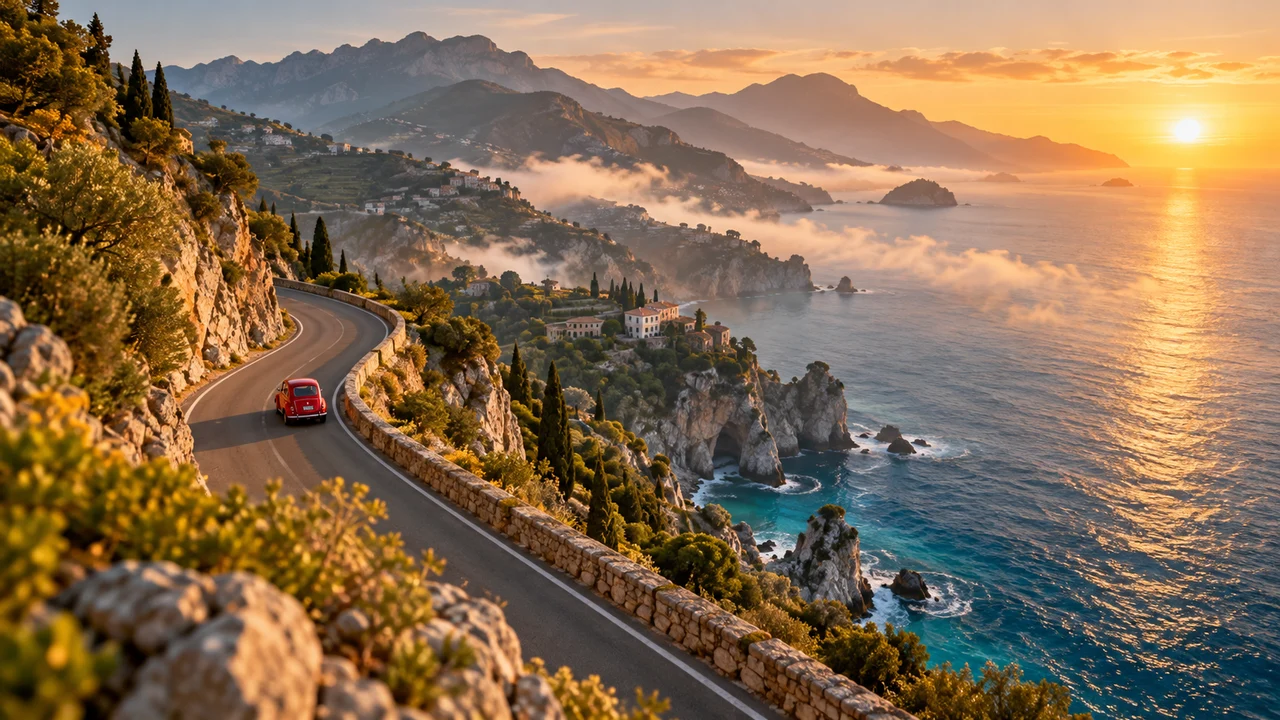
One continuous realistic cinematic drone shot. The red vintage car drives forward along the coastal road. The camera smoothly tracks above and behind it; sea mist drifts along the cliffs and waves move below. Stable car and road geometry, warm sunrise, no cuts, no text or logos.
Start with a scene that catches your eye, then make it your own.
Product Commercial
Sculpted in light
Flying Camera
Take the scenic route
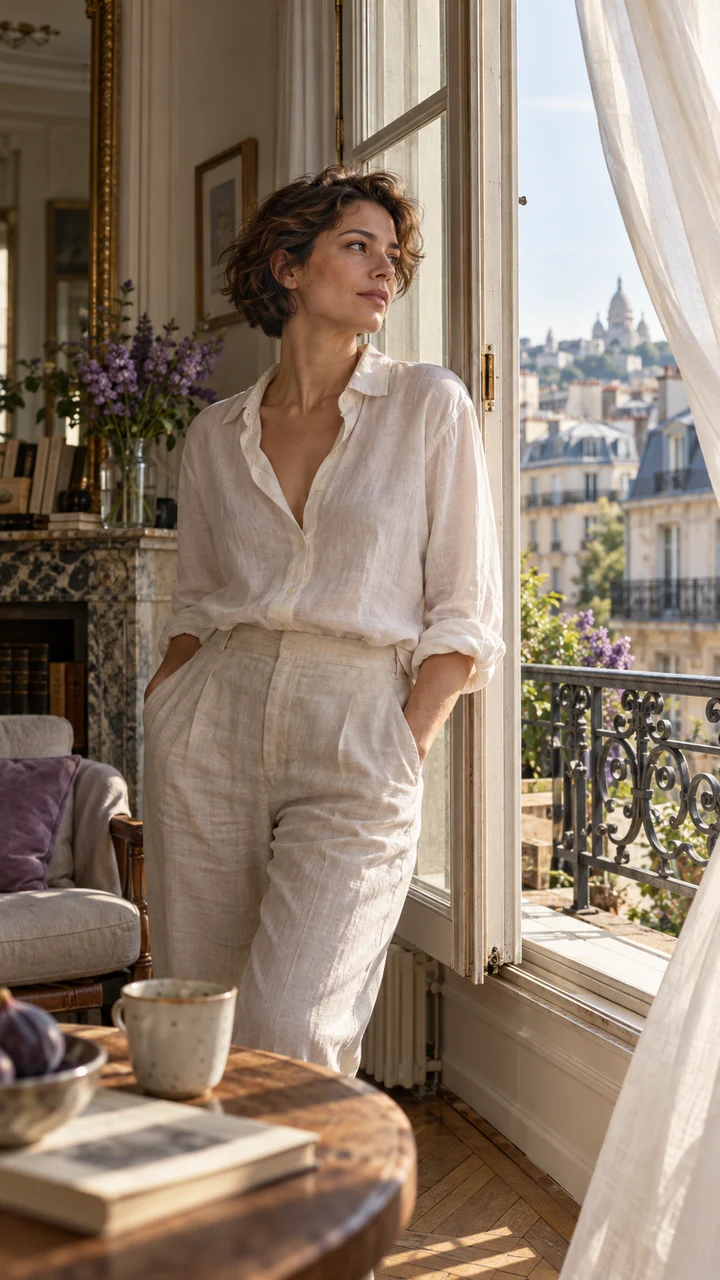
Cinematic Portrait
A quiet morning
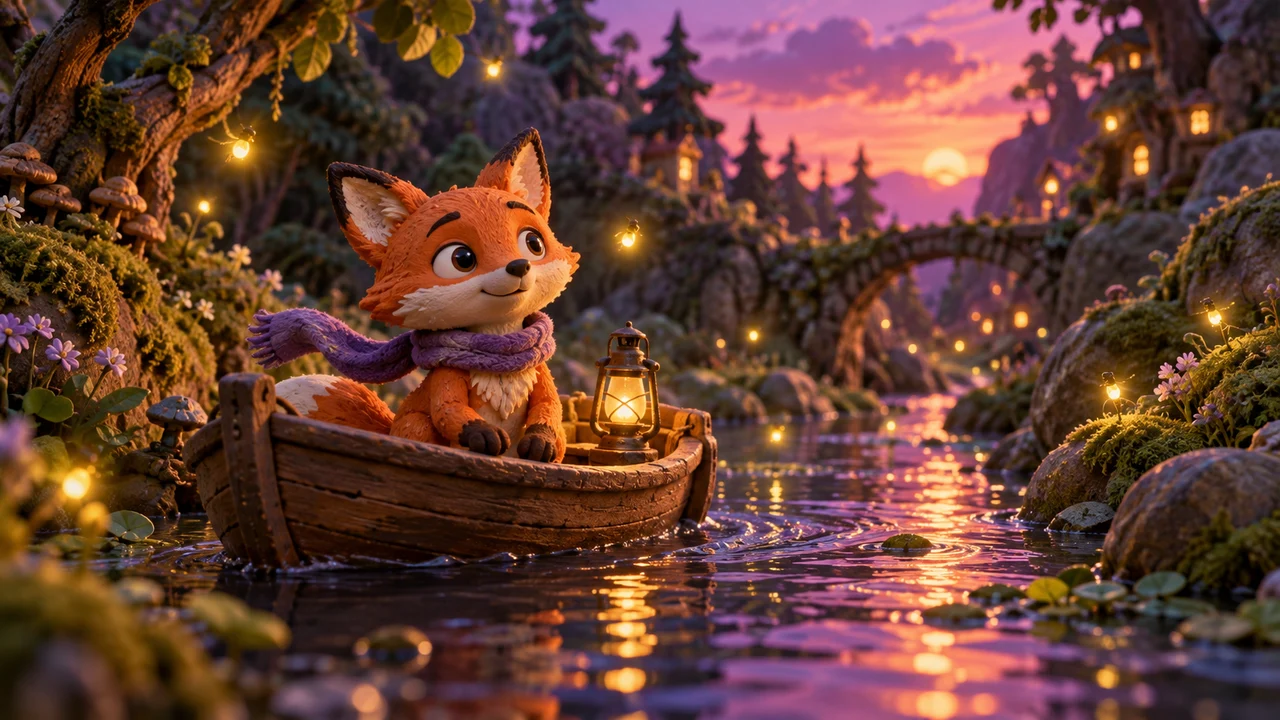
Clay Animation
A tiny adventure

Pet Story
One curious friend
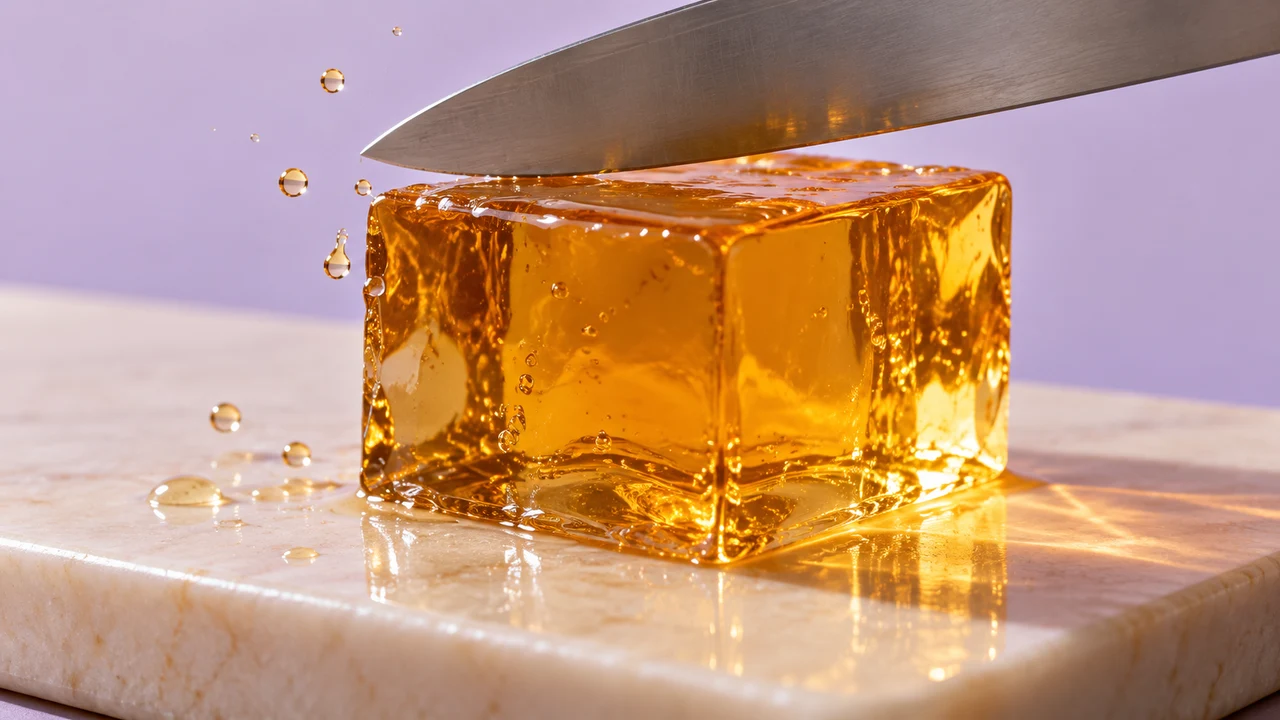
Macro ASMR
A satisfying little moment
Start from a product photo, portrait, landscape or illustration and describe the motion you want. The uploaded image becomes the starting frame, giving the model a visual reference for the scene. You can also generate from text alone when you have no image ready.
Add one JPG, PNG or WebP image up to 5 MB, with dimensions between 300 and 6000 pixels and a supported aspect ratio — no account needed to prepare the scene. Describe the action, select a model and video settings, then check the quoted credits before generating. Preview and download the finished clip here or in My Work.
Use a clear source image and specify a gentle action such as a slow camera push, drifting clouds or a small head turn. Describe the details you want to preserve. Text, logos, faces and product geometry may change during motion, so review important details before using the clip.
It is used as the starting image for video generation. Your prompt describes the subject movement, camera direction and atmosphere. The generated frames may vary from the source.
Use one JPG, PNG or WebP up to 5 MB. Both dimensions must be between 300 and 6000 pixels, and the width-to-height ratio must be between 0.4 and 2.5. WebP is prepared for model compatibility before upload.
Yes. The image is optional: without one, your prompt generates a text-to-video clip. Uploading an image switches automatically to image to video, and removing it switches back.
Exact preservation is not guaranteed. Keep the requested motion simple and inspect text, logos, faces and fine product details in the completed video. Try refining the prompt if they drift.