



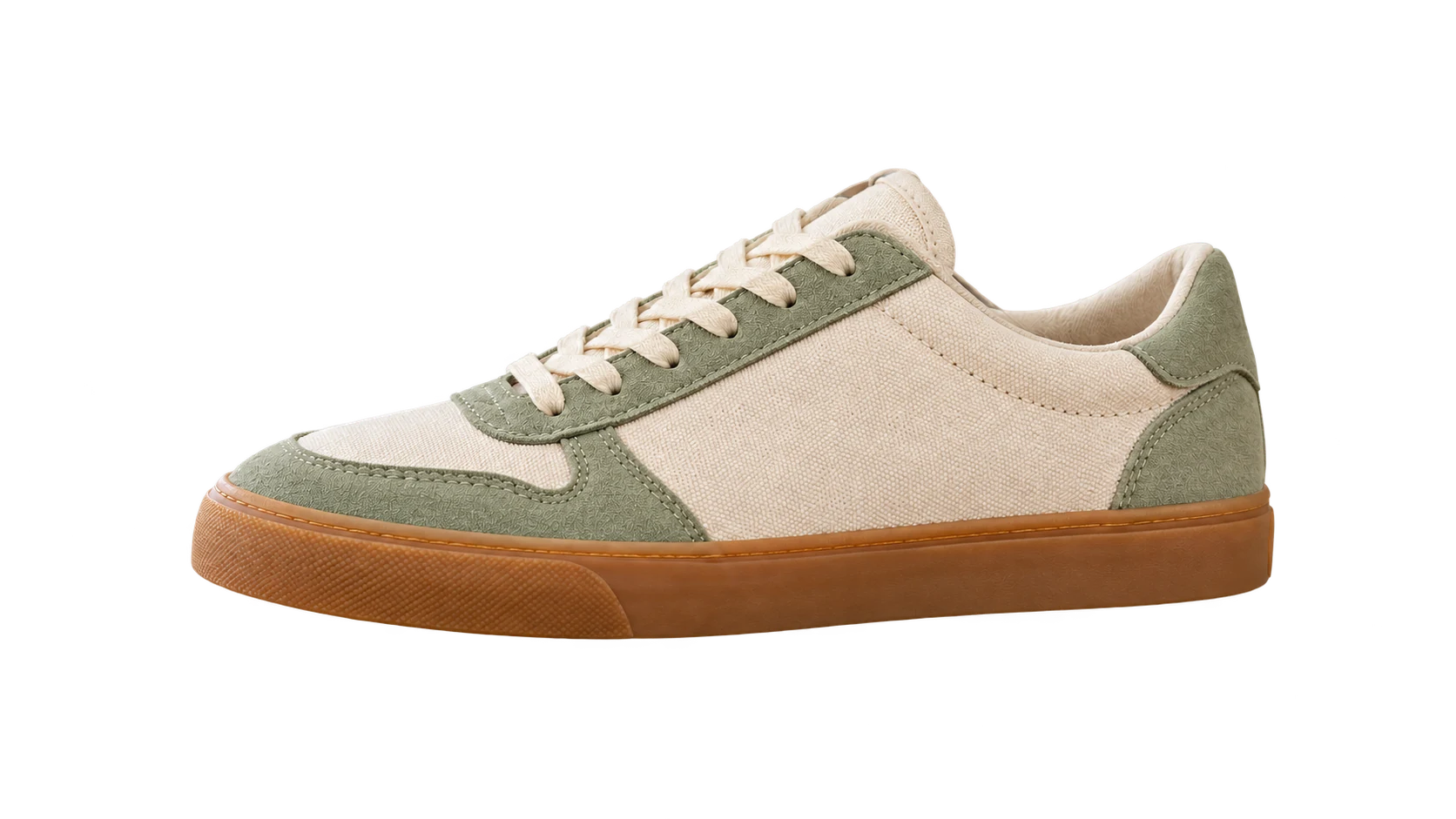
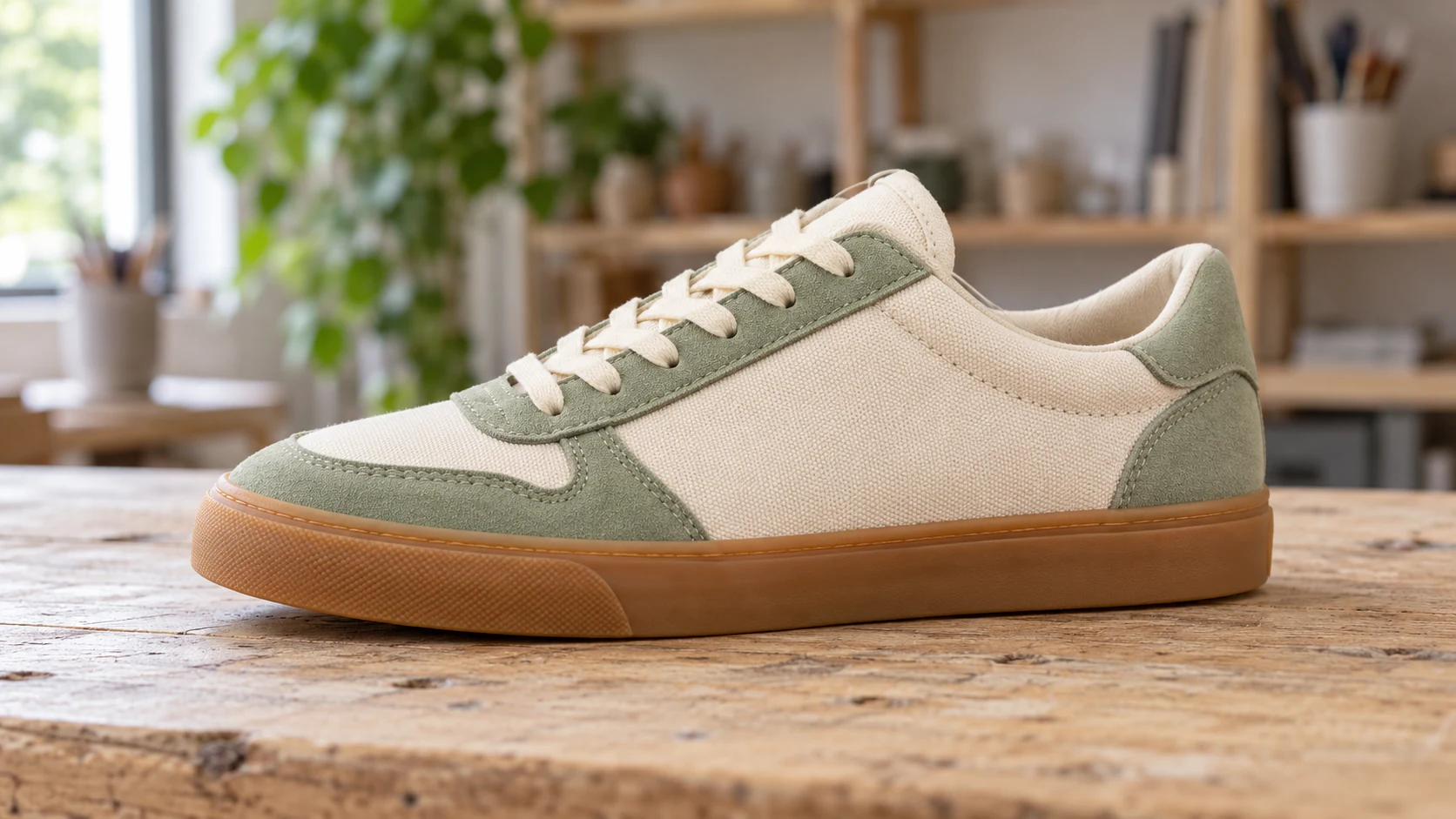
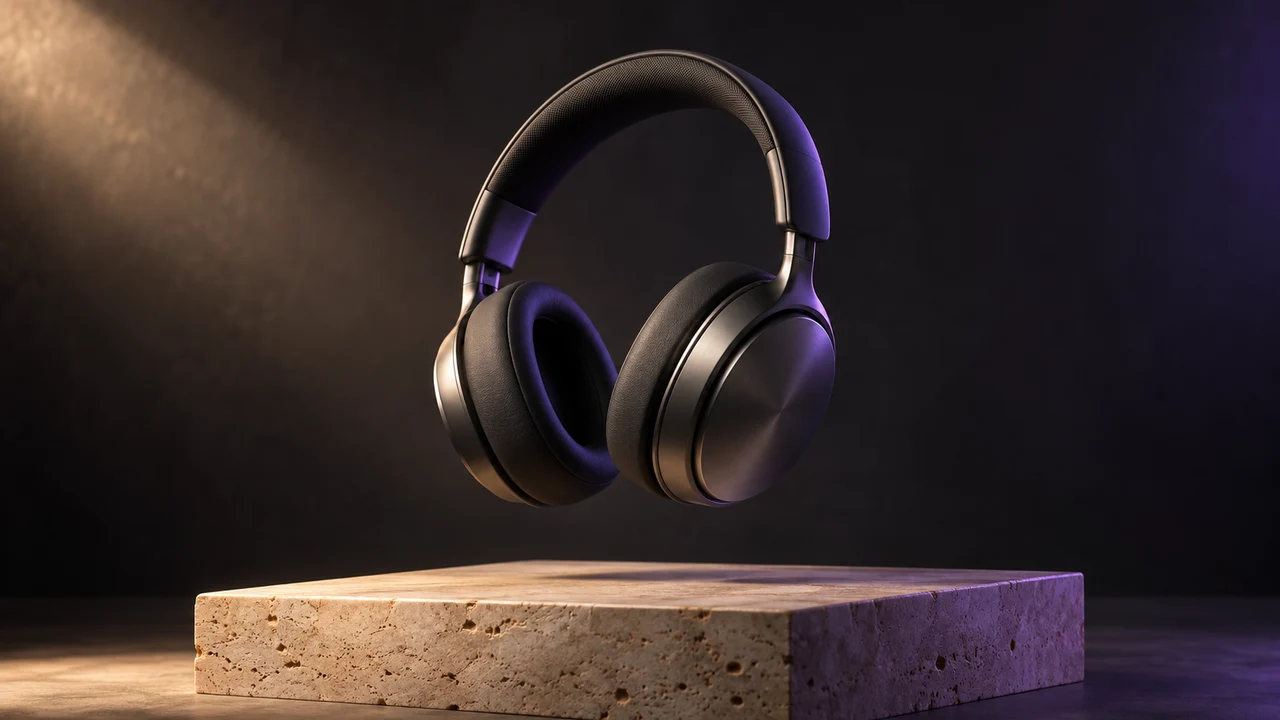
Product Commercial
Sculpted in light
Turn a few words or a single image into a video worth watching.

One continuous realistic cinematic drone shot. The red vintage car drives forward along the coastal road. The camera smoothly tracks above and behind it; sea mist drifts along the cliffs and waves move below. Stable car and road geometry, warm sunrise, no cuts, no text or logos.
Quick AI tools for everyday video and image tasks.
Start with a scene that catches your eye, then make it your own.
Product Commercial
Sculpted in light
Flying Camera
Take the scenic route

Cinematic Portrait
A quiet morning

Clay Animation
A tiny adventure

Pet Story
One curious friend

Macro ASMR
A satisfying little moment
03 / Proof
Slide to explore what each tool is designed to improve.
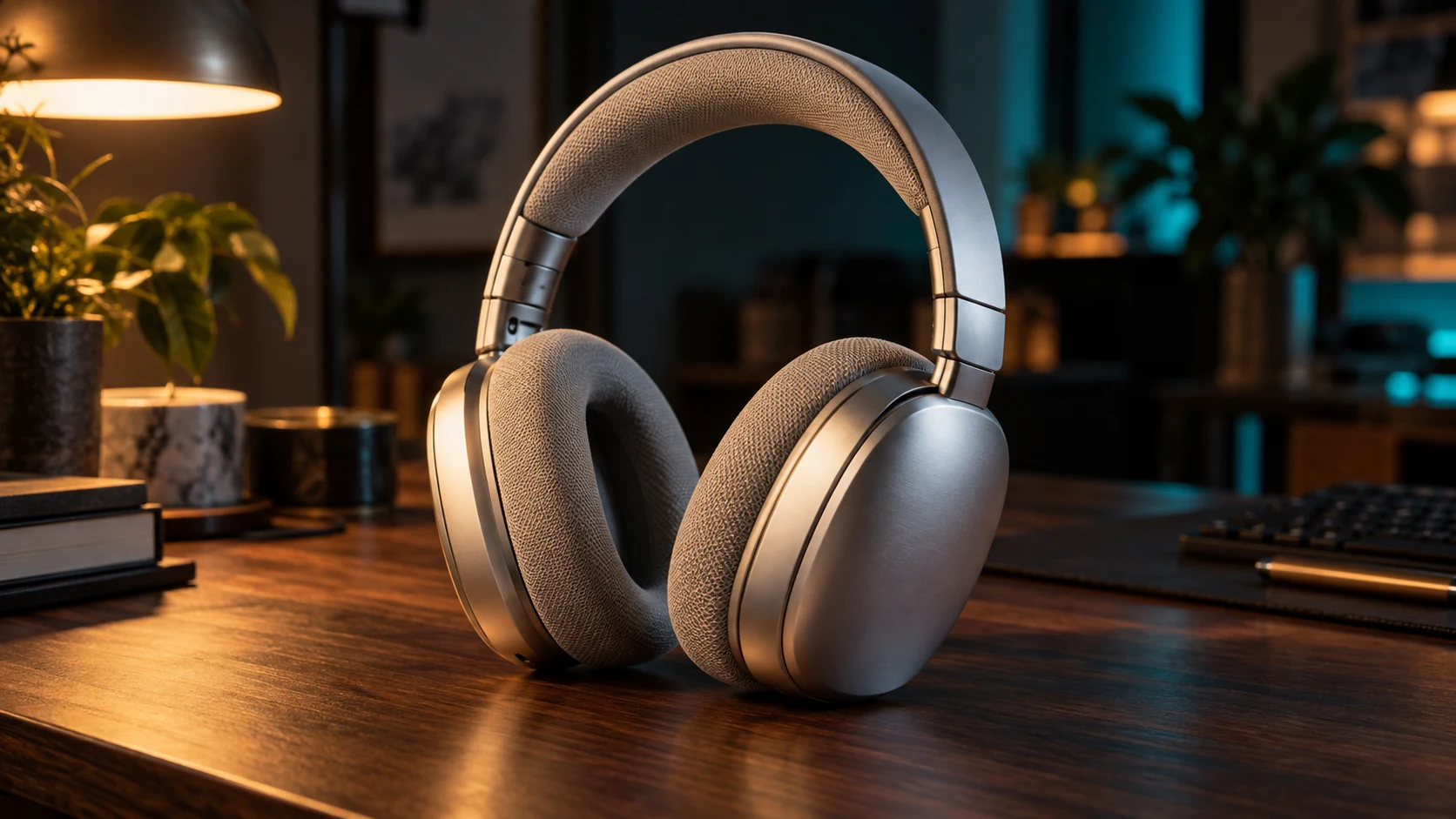

A SHORT PATH FROM IDEA TO FILM
Write a prompt or upload a starting image. Describe what you want to move.
Choose a model, frame and length. Check your credit cost, then create.
Your video is saved automatically. Preview and download here or in My Work.
Yes. Describe a scene or upload a starting image, choose Veo 3.1 or Seedance 2.0, and confirm the credit quote before generating. Create a free account when you generate — your prompt and settings are kept through sign-in.
Yes. Generation continues in the background and the finished video is saved to My Work. Failed requests release their reserved credits.
You can enhance and upscale video, upscale images, and remove image backgrounds.
New accounts start with free welcome credits — enough for your first image generation. Every generation shows its credit cost before you confirm.
Video Enhancer targets blur, noise, low light, and lost detail. Video Upscaler focuses on delivering a larger 1080p, 2K, or 4K output.
Video tools accept MP4, MOV, and WebM. Image tools accept common formats including JPEG, PNG, and WebP; the tool validates the exact file before processing.
Timing depends on the source file and the selected AI provider. The job page shows progress and can resume an in-progress task after a refresh.
Uploads and generated results are stored in managed secure cloud storage and are sent to the selected model provider only to run your request. Review the Privacy Policy for details.