Product Commercial
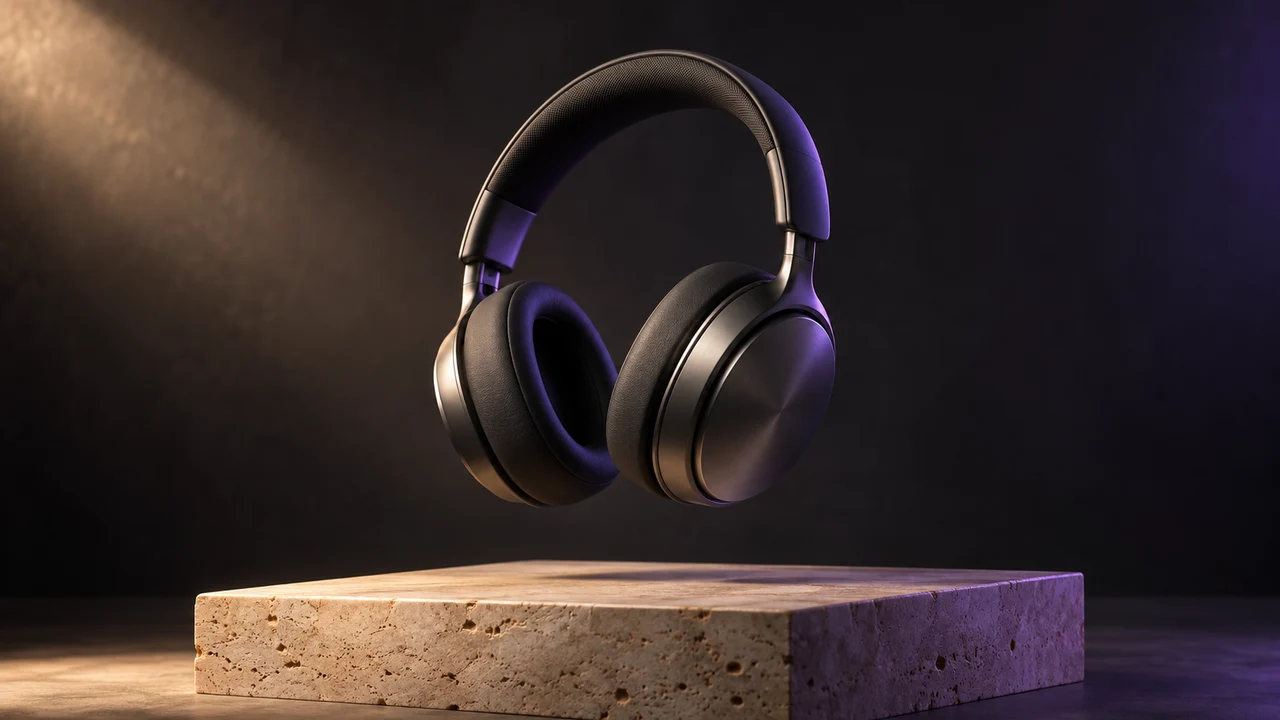
Sculpted in light
Describe a scene in words or add a starting image, pick a model, and generate a video worth watching.
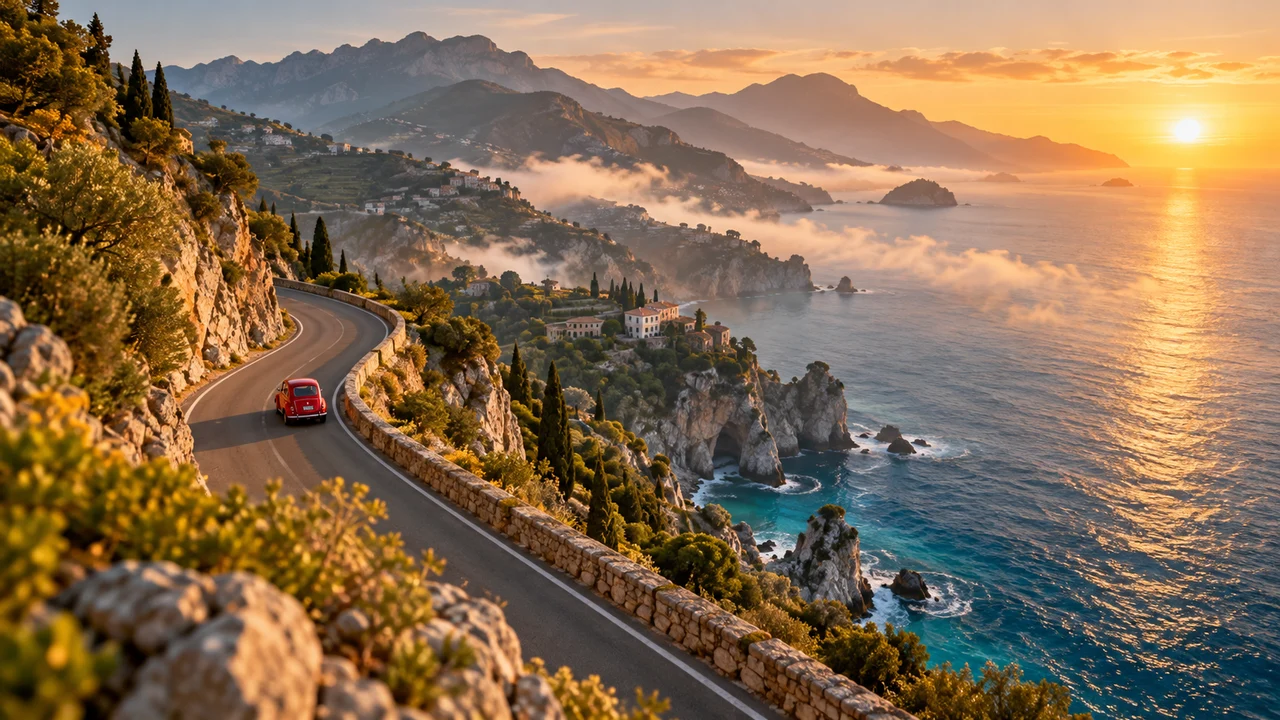
One continuous realistic cinematic drone shot. The red vintage car drives forward along the coastal road. The camera smoothly tracks above and behind it; sea mist drifts along the cliffs and waves move below. Stable car and road geometry, warm sunrise, no cuts, no text or logos.
Start with a scene that catches your eye, then make it your own.
Product Commercial
Sculpted in light
Flying Camera
Take the scenic route
Cinematic Portrait
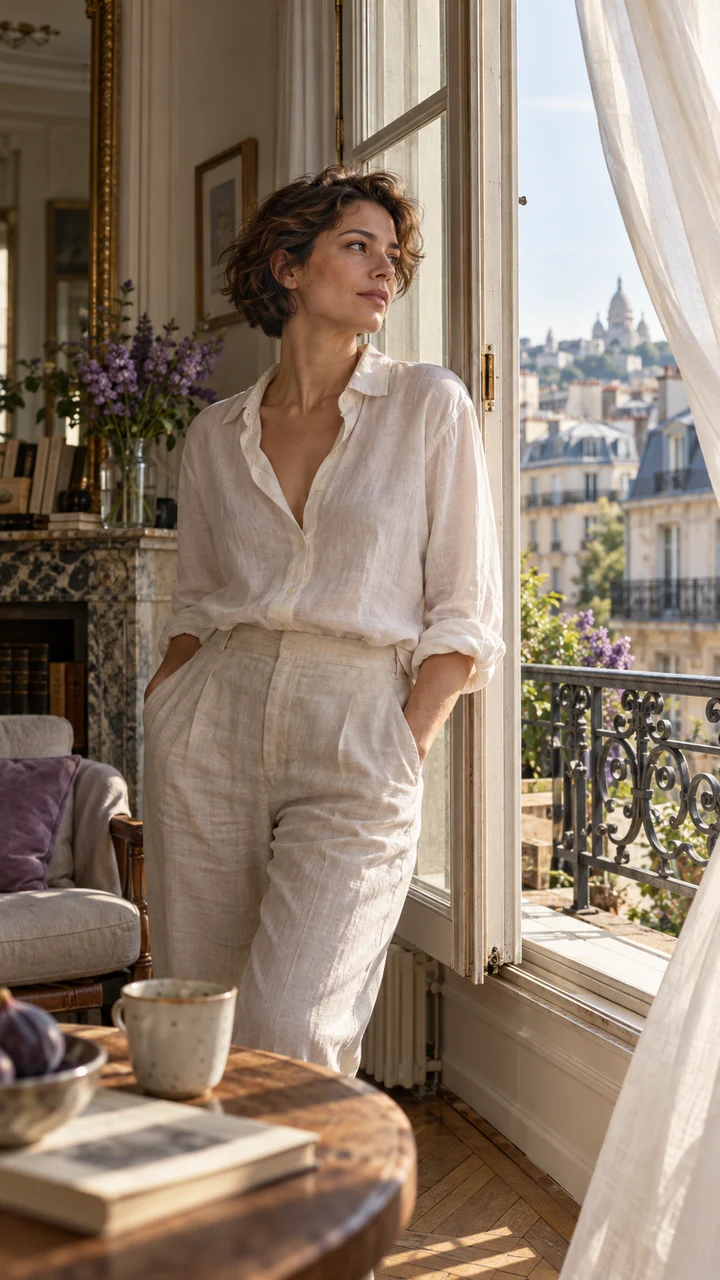
A quiet morning
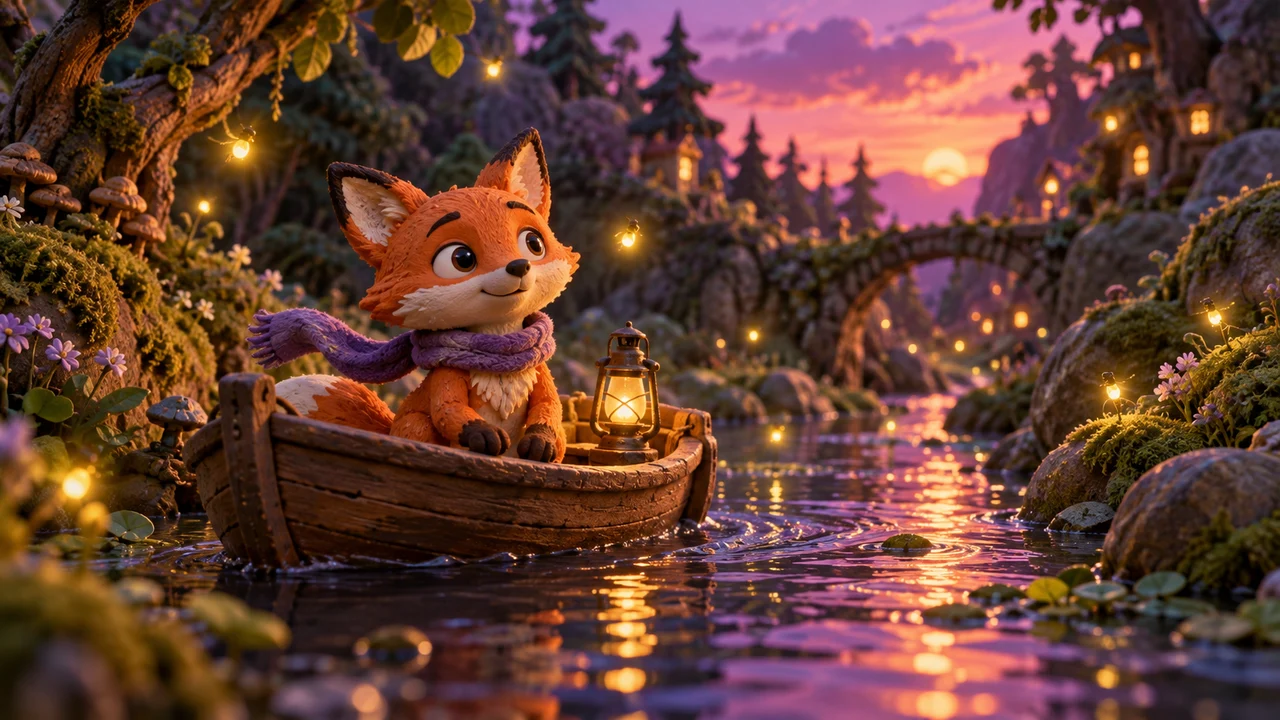
Clay Animation
A tiny adventure

Pet Story
One curious friend

Macro ASMR
A satisfying little moment
Zareviko turns prompts into finished video clips. Start from text when you are exploring an idea, or upload a photo when you already have a visual starting point. Everything runs in the browser: write the prompt, generate, preview and download — no editing software or plugins required.
Choose Seedance 2.0 or Veo 3.1, then select the frame ratio, resolution, duration and sound that the model supports. A free account shows the credit cost before you generate. Jobs keep running after you close the page, and the finished video is saved to My Work for preview and download.
Seedance 2.0 delivers natural motion and creative control for everyday scenes. Veo 3.1 produces cinematic framing with native audio, including dialogue and ambient sound. Both models accept text prompts and starting images, so you can switch between them without rewriting your scene.
Generate vertical clips for short-video feeds, wide scenes for product pages, or quick animatics to test a story before production. Iterating on a prompt costs less than reshooting footage, which makes the generator useful for solo creators and marketing teams alike.
It is a tool that creates short video clips from a text prompt, an optional starting image, or both. The model renders the described subject, motion and camera work into a downloadable video file.
Seedance 2.0 and Veo 3.1. Each model supports its own set of frame ratios, resolutions, durations and sound options; the generator only shows the combinations it can run.
No. A written prompt is enough. Adding an image switches the generator to image to video, and removing it returns to text to video.
Every finished video is saved to My Work. Generation continues in the background even if you close the page, and failed requests release their reserved credits.