
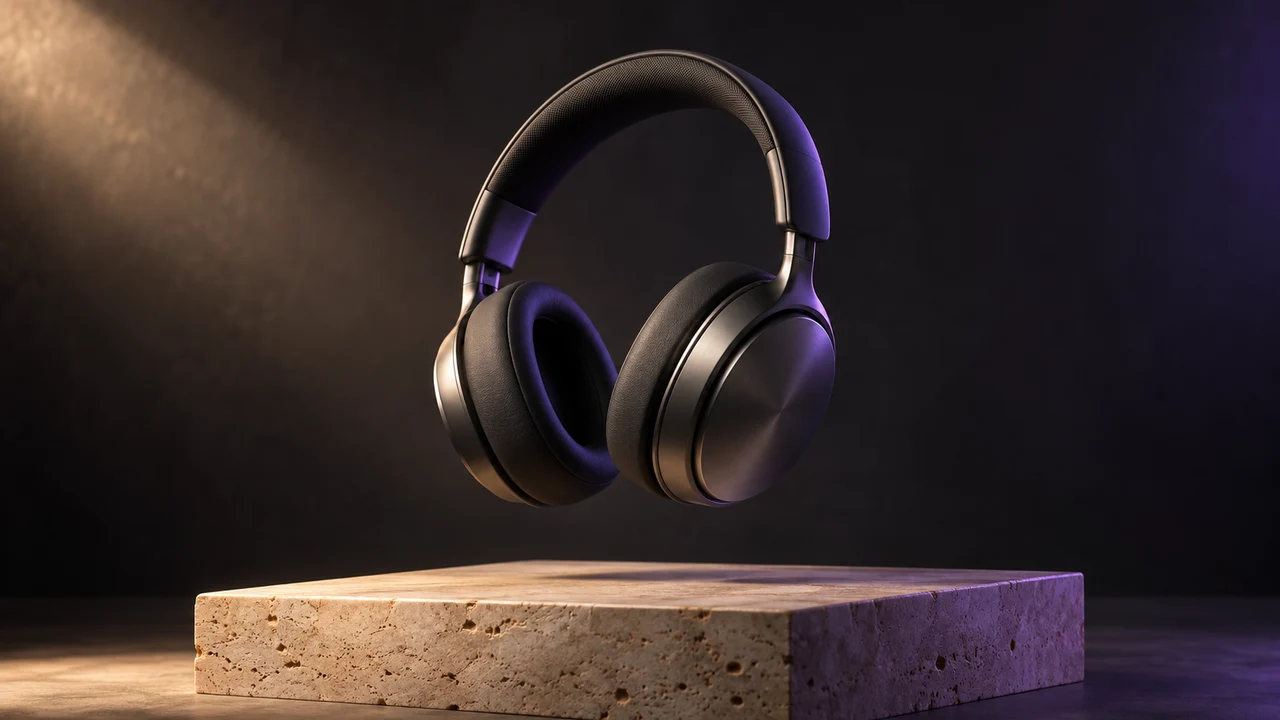
Product Commercial
Sculpted in light
Start with a scene in words. Describe the subject, movement and camera, then bring your idea to the screen.

One continuous realistic cinematic drone shot. The red vintage car drives forward along the coastal road. The camera smoothly tracks above and behind it; sea mist drifts along the cliffs and waves move below. Stable car and road geometry, warm sunrise, no cuts, no text or logos.
Start with a scene that catches your eye, then make it your own.
Product Commercial
Sculpted in light
Flying Camera
Take the scenic route

Cinematic Portrait
A quiet morning

Clay Animation
A tiny adventure

Pet Story
One curious friend

Macro ASMR
A satisfying little moment
Explore a storyboard, a social clip or an advertising concept before filming. Text to video starts from your description, so you can try new settings and visual styles without preparing a starting photo. Add an optional image when you want a visual starting point instead.
Write your scene, select Seedance 2.0 or Veo 3.1, and choose the available frame, quality, length and sound settings. A free account shows the credit cost before generating. Completed videos are saved to My Work, where you can preview and download them.
Describe the subject, setting, action, camera and mood. For example: a red sailboat drifts across a misty lake as the camera slowly moves closer at sunrise. Start with one continuous action; complex cuts and conflicting directions can make results less predictable.
No. A written prompt is enough. If you add a starting image, the generator automatically uses image to video. Removing it returns to text to video.
Choose Seedance 2.0 or Veo 3.1, then select from the frame ratios, resolutions and durations supported by that model. Sound generation can be enabled or disabled.
After you sign in and enter a valid prompt and settings, the generator checks the cost. Changing the settings or adding an image requires a matching quote before you can generate.
Yes. The task continues and the finished video is saved to My Work. You can return to the generator to recover its progress and preview or download the result.